Key Takeaway
- Yes, you can play Game Pass games offline on both console and PC, as long as the game is downloaded and the game itself supports offline play.
- The hard limit is a 30-day check-in clock on both platforms: miss it and games refuse to launch until the device reconnects and confirms your subscription. Nothing is deleted, and saves survive.
- On Xbox, offline play requires designating the console as your home Xbox. On PC, it requires the Offline Permissions toggle in the Xbox app, which lives on one device at a time and can only be moved three times per year.
- Every game must be launched once while online before it will start offline; that first launch is when the license lands on the machine.
- Not everything works: multiplayer titles, always-online single-player games, second-launcher games, and cloud-streamed titles stay dead without Wi-Fi. Check each game's store page before the trip.
Downloaded Game Pass titles work fine without Wi-Fi. The fine print is a subscription check-in clock, a one-device rule on PC, and a chunk of the catalog that refuses to boot offline at all.
Forum answers to this question have a habit of covering one platform and shrugging at the rest. The straight answer to "can you play game pass games offline" is yes, on both console and PC, as long as the game is downloaded and the game itself allows it. What none of those scattered answers assembles in one place is the fine print, and the fine print is the story. Offline play on Game Pass is not a mode you switch on and forget. It is a leash, and Microsoft has measured out its exact length: 30 days from your last check-in, on one blessed device at a time.
That design makes sense once you remember what Game Pass is. A subscription service has to confirm you are still paying, and it cannot do that from a cabin with no cell signal. We covered the ownership half of this arrangement in what happens to your games when you cancel Game Pass; this is the connectivity half.
| Rule | Xbox console | Windows PC |
|---|---|---|
| Offline time limit | 30 days from last check-in | 30 days from last check-in |
| Setup required | Designate as home Xbox in settings | Offline Permissions toggle in the Xbox app |
| Device limit | One home Xbox per account | One designated PC, changeable 3 times per year |
| License registration | Launch each game once while online | Launch each game once while online |
| Play Anywhere titles | Can hold two offline devices: one PC and one console |
The 30-day clock every platform shares
Microsoft's support documentation puts a hard ceiling on the whole arrangement: a PC can run Game Pass games offline for a maximum of 30 days, and then it has to get back online so Microsoft can confirm the subscription is still being paid for. The same 30-day check-in applies on console, per the same documentation. Miss the window and nothing is deleted; the games simply refuse to launch until the device phones home and confirms your subscription is alive.
Thirty days is generous for a normal life. It covers a two-week vacation, a deployment layover, or a month at a house with terrible internet, provided you connect once somewhere in the middle. What it does not cover is treating Game Pass downloads like a permanent offline library. Bought games are yours to hoard; rented games come with a landlord who knocks monthly.
The clock also has a sibling scenario worth knowing before a long trip: the check-in verifies that the subscription is still active, not just that you exist. Let the membership lapse while you are off the grid and the games keep running until either the 30-day clock runs out or the device reconnects and learns the truth, whichever comes first. Your saves survive either way, parked in the cloud and on the device, waiting for a renewal.
Console offline play runs through your home Xbox
On Xbox Series X|S and Xbox One, offline play hinges on one setting: designating the console as your home Xbox in the system settings. Downloaded Game Pass titles then play offline on that console, and other profiles on the same machine can play them too. Microsoft's developer documentation spells out the underlying rule: an account parks its offline rights on a single console, while the account itself stays free to sign in and play online somewhere else.

The practical steps are short. Set the console as home while you still have internet, download everything you want, and launch each game once online so the license registers. After that, the console rides out an outage or a move without complaint, subject to the 30-day clock above.
PC offline play lives on one designated device
The PC side of Game Pass got a real offline mode in late 2024, and it arrived with rules attached. In the Xbox app on Windows, under Settings and then General, sits a toggle called Offline Permissions. Flip it on and that PC becomes your designated offline machine for Game Pass titles. Only one device per account can hold the designation, turning it on automatically revokes whichever machine held it before, and, per ASUS's own guide for its ROG handhelds, you can "only change your offline device three times per year."
Three switches a year is the number to plan around. Anyone who owns both a gaming laptop and a handheld PC has to pick which one gets to leave the house, and flip-flopping before every trip will burn the allowance by spring. Give the designation to the machine that actually travels. The handheld crowd this feature was clearly built for can weigh their options in our guide to the best handheld gaming PC.
Two more PC rules matter. Every game must be launched at least once while online before it will start offline, even if it finished downloading weeks ago; the first launch is when the license lands on the machine. And a logged-in Windows handheld without the permanent designation can still run purchased and Game Pass games offline in a pinch, so long as the game was launched within the previous 14 days, a shorter grace period ASUS documents alongside the main one. There is one bonus in the architecture worth knowing: Microsoft's licensing docs note that Xbox Play Anywhere titles can have "two offline devices: one PC and one console," so the one-device rule bends for games that live on both platforms.
The games that stay dead without Wi-Fi
The platform rules only get you to the door; the game decides whether it opens. Microsoft's support text is candid that most Game Pass PC titles support offline play, not all, and the exceptions cluster predictably. Anything built around network co-op or multiplayer will not run offline. Some nominally single-player games still demand a connection because their publisher wired in an always-online check or routed launch through a second launcher like the EA app, which has opinions of its own about connectivity. Cloud-streamed titles are off the table by definition, for reasons covered in our look at Xbox Cloud Gaming.
Even the games that do run offline shed features at the door. Microsoft's support text notes that leaderboards go dark and in-game store purchases are unavailable until you reconnect, which is less a loss than a vacation, but it can surprise anyone chasing a ranked grind.
The only reliable test is the boring one: check the game's page on xbox.com for offline support before you count on it, then verify with your router unplugged the night before the trip, not in the airport.
The preflight checklist
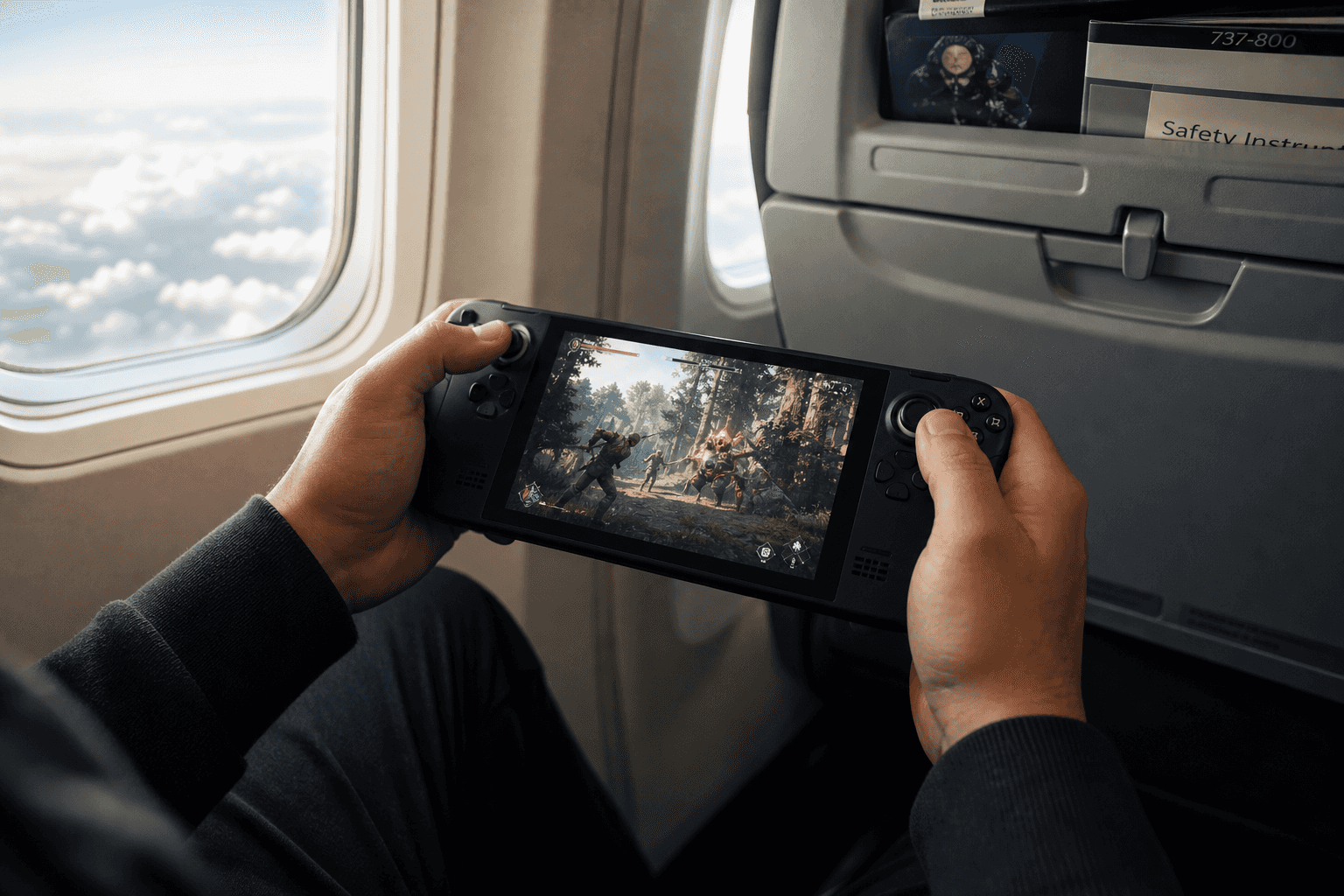
Everything above compresses into five minutes of prep while you still have internet. Download the games. Set the home Xbox, or flip Offline Permissions on the one PC that is coming along. Launch each game once so the licenses register. Confirm each title actually supports offline play on its store page. Update everything, since patches will not download at 35,000 feet.
Do that, and Game Pass behaves offline about as well as a subscription service can: a month of runway, a full library, saves syncing back to the cloud whenever you resurface. Skip it, and you will be the person in seat 23C staring at a launch error with 40 gigabytes of unplayable data. The leash is real, but it is long enough, as long as you clip it on before you leave the house.
Frequently asked questions
Can you play Game Pass games offline?
Yes, on both Xbox console and PC, as long as the game is downloaded, the game itself supports offline play, and you have done the setup: designating a home Xbox on console, or enabling the Offline Permissions toggle in the Xbox app on PC. Each game also has to be launched once while online so its license registers on the device.
How long can you play Game Pass games offline?
A maximum of 30 days from the last check-in, on both console and PC, per Microsoft's support documentation. After 30 days, games refuse to launch until the device reconnects and confirms the subscription is still active. Nothing is deleted, and saves survive both on the device and in the cloud.
How do you enable Game Pass offline play on PC?
Open the Xbox app on Windows, go to Settings, then General, and enable the Offline Permissions toggle. That PC becomes your one designated offline device; enabling it on another machine automatically revokes the previous one, and the designation can only be changed three times per year. Give it to the machine that actually travels.
Why do some Game Pass games not work offline?
The game itself decides. Multiplayer and network co-op titles will not run offline, some single-player games carry publisher-imposed always-online checks or launch through a second launcher like the EA app, and cloud-streamed titles require a connection by definition. Check the game's page on xbox.com for offline support, then test with your router unplugged before the trip.
What happens if your Game Pass subscription expires while you are offline?
The games keep running until either the 30-day offline clock runs out or the device reconnects and learns the subscription lapsed, whichever comes first. Your saves are safe, parked on the device and in the cloud, and everything resumes if you renew.