
Key Takeaway
- Decide before you bid: write the objective in one line and keep a one-page launch sheet with target geos, stop rules, a spending cap and one review owner who can pause or scale.
- Track before you scale: fire a test conversion through the pixel or postback first. If test events don't track, the campaign doesn't scale.
- Buy clean reach, not cheap reach: ask how subscribers are sourced and how quickly inactive opt-ins are removed before comparing CPC or CPM quotes.
- Start on CPC, then test CPA: let clicks gather conversion data under a daily cap per segment, and move to CPA only once actions fire daily.
Push notification ads fail for boring operational reasons. The creative was vague, tracking was missing, or the same message hit the same users too many times. A short checklist catches most of those problems before any money is spent.
| Step | Check before launch | Red flag |
|---|---|---|
| 1Lock the objective and go/no-go rules | A one-line objective and a one-page launch sheet listing inventory type, target geos, stop rules and the review owner | Test events don't track |
| 2Vet inventory quality before price | How subscribers are sourced, how opt-in consent is logged, how quickly inactive opt-ins are removed, and active reach by geo and browser | The seller can't break out Android and desktop reach separately |
| 3Pick bidding and spend controls to match the funnel | CPC while conversion data builds, a daily budget per segment, and a total test cap for the first two to three days | Strict CPA targets on a fresh pixel and a narrow geo |
| 4Connect tracking to real actions | A pixel or server-side postback, a test conversion with the right payout and geo tag, and one primary plus one micro event | The postback fails, so the launch waits until it is fixed |
| 5Write compact creatives built for fatigue | A short hook, a specific value promise, a clear tap instruction, three creative variations, a spare icon set and a per-user frequency cap | Click-through rate slides for two days on the same message |
| 6Separate by device, browser, geo and time | Android, iOS and desktop tested apart, browsers split, three to five markets on equal daily budgets, and schedules set by local time | One blended campaign, or one daypart schedule applied globally |
| 7Pass QA and compliance before spend | A live click on mobile and desktop, load speed on a mid-range phone, ad text that matches price and trial terms, and permission controls confirmed with the network | A slow page, a broken redirect or a notification the page doesn't back up |
Lock the objective and go/no-go rules
Don't open the ad platform until the objective is written down in one line. Is this run for new customer acquisition or retention? Retargeting past visitors needs a different setup than cold prospecting. The answer determines which offers qualify and where to set the budget limit. Marketing teams that skip this step end up mixing goals and misreading results.
Build a one-page launch sheet before any bids are set. It lists inventory type alongside target geos. It also names stop rules and the review owner who can pause or scale. Business goals stay clear when one person owns that call and signs off on changes.

What counts as eligible
Confirm written offer permission for push traffic, allowed locations, age restrictions, landing-page requirements, and any claim limitations. Network acceptance does not override the advertiser's or affiliate program's terms. Simple payouts with fast mobile destination pages tend to survive early tests, while heavy forms with slow loads often lose visitors right after the click. A clear go or no-go rule requires successful test events before launch and an agreed spending cap during the pilot. Evaluate signup cost after sufficient approved events and the usual conversion lag, not automatically after two calendar days. No exceptions on day one.
If test events don't track, don't scale. That one rule saves more budget than any bid tweak later. Write the allowed payout and the test cap on the same sheet so media buyers don't have to guess. The review owner checks those numbers daily and stops losing campaigns fast. Even a soft launch needs firm spending limits.
Vet inventory quality before price
Price means little if the subscriber base is stale. A push ad network sells access to browser push notification subscribers, not a house list the advertiser owns. That distinction matters because subscribers gave publishers permission at opt-in, and delivery depends on browser rules plus recent activity. Don't assume every subscriber is reachable every day.
Ask where subscribers came from and how quickly inactive opt-ins are removed. Ask for the share of active users by geo and browser. If a seller can't break out Android and desktop reach separately, don't trust the volume pitch. Clean lists cost more per click but waste less budget on dead ends.
Questions to ask sales
Push for specifics before funding the account. Ask how subscribers are sourced and how opt-in consent is logged. Find out how often the subscriber list is checked for bots and expired tokens. iOS needs separate attention because opt-in behavior and delivery reliability differ from Android. A straight answer here beats a low CPM quote.
Browser restrictions in Chrome, Edge, Firefox, and Safari have cut into careless collection methods. Networks that relied on trick prompts lost reach, while those with clear consent flows kept steadier volume. Ask what changed in collection after those updates and what proof the team can show. If answers stay vague, keep the test budget small or walk away.
Pick bidding and spend controls to match the funnel
Match the bid type to what the campaign must prove. CPC billing can simplify click-cost control in a direct-response test, but a paid click does not establish intent or make the purchase inherently safer. CPM bidding fits when the goal is reach and the team already knows the creative converts. For direct-response offers, the right push notifications ad network must combine reliable delivery and an active, opted-in subscriber base.
Confirm whether CPA refers to payment per agreed action or an optimization target that still bills clicks or impressions. Conversion-focused automation needs reliable event data, and eligibility varies by platform. Thin data plus strict CPA targets can stall delivery. Don't start on CPA with a fresh pixel and a narrow geo. Let CPC gather enough conversion data first, then test CPA once actions fire daily.
How to set first caps
Caps control damage. Set a daily budget per segment and a total test cap for the first two to three days. Give each geo the same spend so winners earn scale on merit. For an illustrative comparison, use separate country caps where the budget supports them. One or two markets may be a better start for a small account; equal spend does not guarantee equal evidence when prices and conversion delays differ.
Keep bids tight at launch. Don't chase top placement on day one. Start near the suggested floor and watch win rate alongside click quality, then raise bids in small steps on placements that show real actions. Pause what misses the pause rule after equal spend. That discipline makes early results easier to compare.
Connect tracking to real actions
Install tracking before buying traffic. Every click must map to a measurable action or there's no way to stop losing campaigns and keep winners running. Push moves fast, and untracked spend piles up before anyone notices.
There's no room for guesswork here. Use a pixel for browser sales or a server-side postback for lead and app flows. Fire a test conversion and check that it shows up with the right payout and geo tag. If the postback fails, hold the launch until the development team fixes it.
Events to fire before scale
Don't settle for clicks alone. Define one primary conversion event and one backup micro event, like form start or checkout view. The primary event decides scale, while the micro event helps spot broken pages early. Retargeting pools depend on this step too, since past visitors can't be split from cold traffic without clean events.
Test direct linking and pre-landers as separate events if both are in play. Direct linking sends the click straight to the offer page, while a pre-lander adds a warm-up step before the payout page. Tag them separately so results don't blend. When data is clean, the team can see which path earns the action at lower cost.
Write compact creatives built for fatigue
Push space is tiny. The title and short text have to get the message across in seconds. The icon and image support the message but can't save a weak hook. Don't use vague buzzwords. Name the benefit and tell the reader what to tap.
WordStream reported a 0.46% Google Display Network CTR in its historical 2017–2018 client sample. That is not a current push benchmark, and it cannot establish that push will outperform another format. Push can draw attention fast, but that edge fades if the same alert runs too long. Plan for creative fatigue from the start, not after results dip.
Message formula that fits
Keep it honest and compact. Lead with a short hook tied to the offer, followed by a specific value promise. Close with a clear tap instruction on the button. That structure fits character limits and respects user attention. Avoid hype that the landing page can't support, since mismatch kills trust and raises complaints.
Prepare at least three creative variations and one spare icon set before launch. Set a per-user frequency cap from day one so no one sees the same alert all day. When click-through rate slides for two days on the same message, swap it. Having a fatigue swap plan ready beats making late edits under pressure.
Separate by device, browser, geo and time
Don't lump all traffic into one campaign. Android and desktop respond on different schedules and show different opt-in patterns. iOS deserves its own test because permission prompts and display limits don't match the rest. Blended results hide those differences and waste budget.
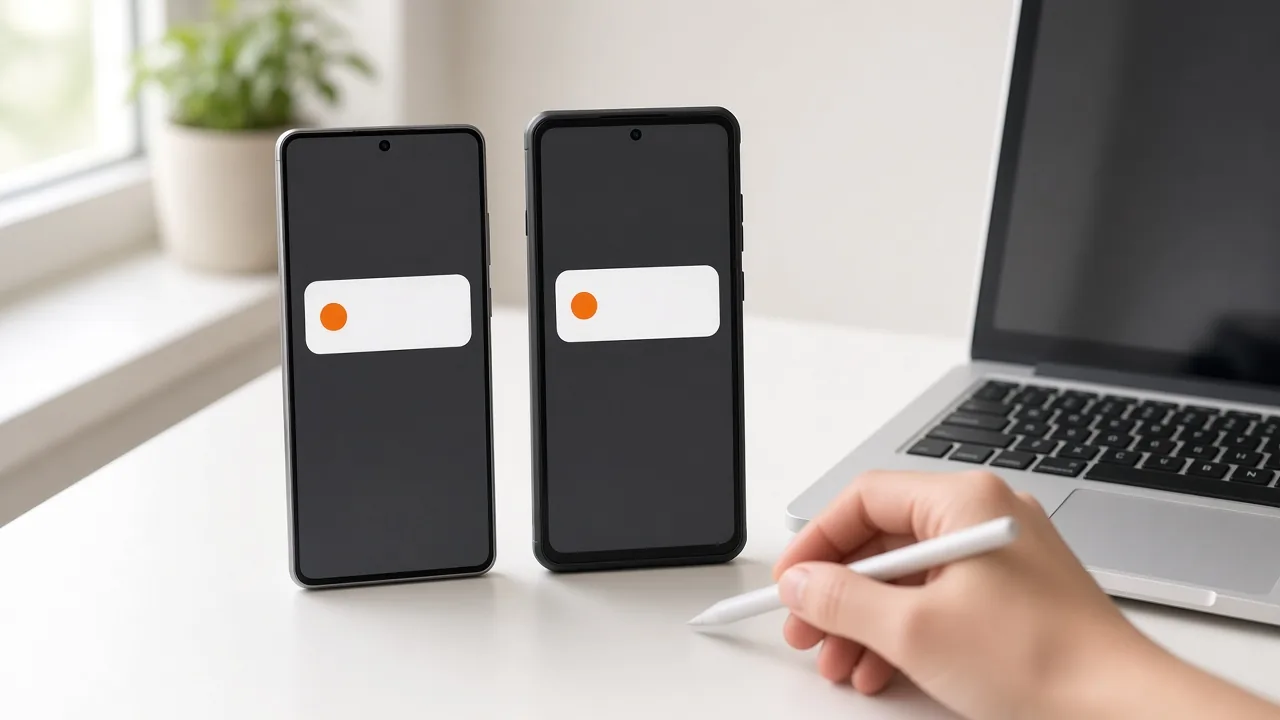
Split by browser as well. Chrome and Edge can behave differently on delivery and click quality. Keep them apart for the first run so weak placements can't hide inside blended averages. The same logic holds for operating system versions when volume allows a clean split.
Test structure for first 72 hours
Start narrow on geo. Pick three to five markets with shared language and payout logic. Give each the same daily budget for two to three days before making any decision to scale. Treat that window as an initial operational check, not proof of geographic performance. A low-volume or delayed-conversion offer may need a different review period.
Schedule by local time. Time-zone targeting puts messages in peak hours instead of midnight. Audience segmentation by geo and device helps here, since lunch breaks and evening peaks shift by market. Don't apply one daypart schedule globally. Let each segment spend when users in that zone are awake and active.
Pass QA and compliance before spend
Test the experience from the user's side. Click the live ad and load the destination on mobile and desktop, making sure the back button works. Check load speed on a mid-range phone with average signal. If the page drags, fix it before bidding higher.
Direct linking can work for simple offers, while a short pre-lander helps when the claim needs proof. Either way the page must load fast and match the promise in the notification. Mismatch drives refunds and complaints. Keep claims plain and check that the ad text accurately reflects the price as well as any trial terms and limits.
Final check before spend
Confirm with the network how recipients can manage publisher notification permissions or report an unwanted ad. Those controls are not an advertiser-owned unsubscribe list. Separately, review the advertiser's destination-page privacy notice and any consent requirements for its own tracking or contact collection. Publisher opt-in does not authorize adding visitors to the advertiser's database. Get qualified guidance where market requirements are unclear.
Do a last render check on mobile and desktop. Look for title cut-off and icon cropping, then check the button text. Click every link again after any edit, since a single broken redirect can burn a full day of budget. When links and tracking pass along with creative, caps, and the exit path, the review owner gives the green light. If one fails, fix it and retest.
Push works when the groundwork is dull and strict. Clear tracking and honest creative beat clever tricks. Launch day then becomes a check, not a gamble.
Testing an offer that has no track record yet? Our guide to validating a business idea before you quit your job shows how to run a landing page test with paid traffic for under $200.